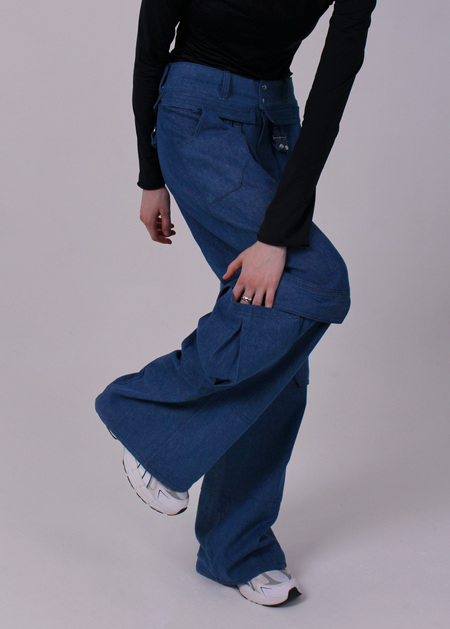
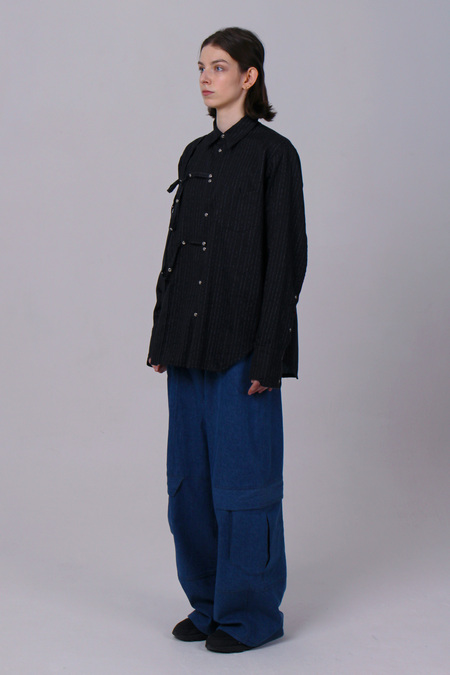
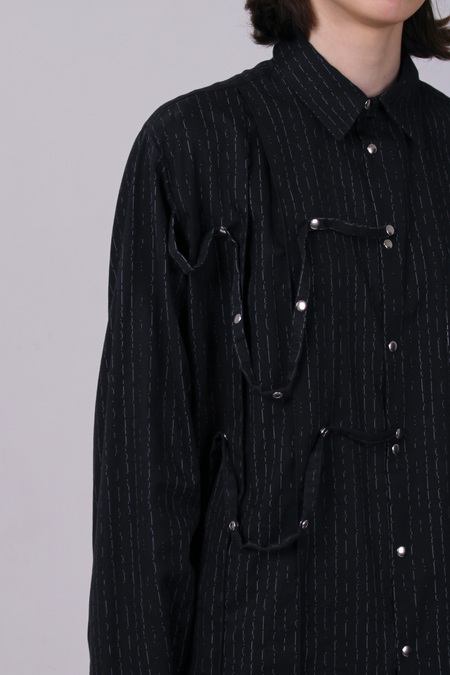
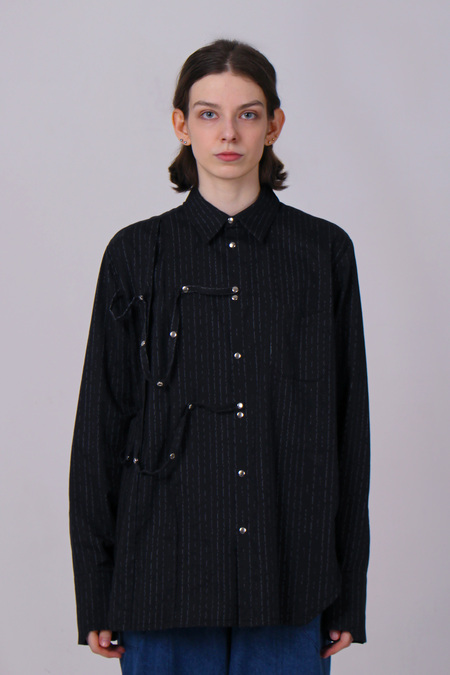
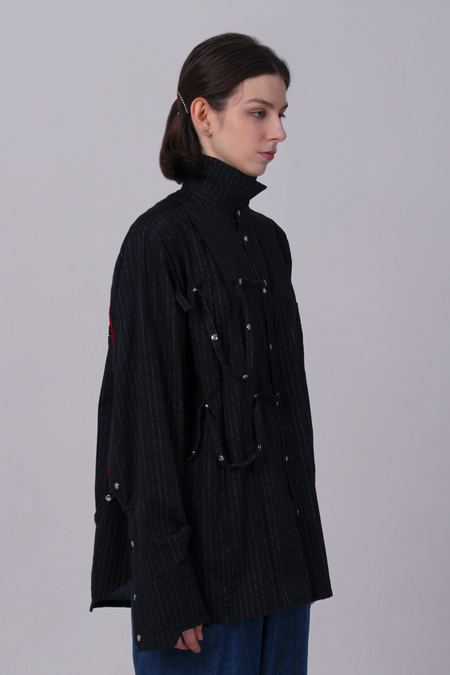
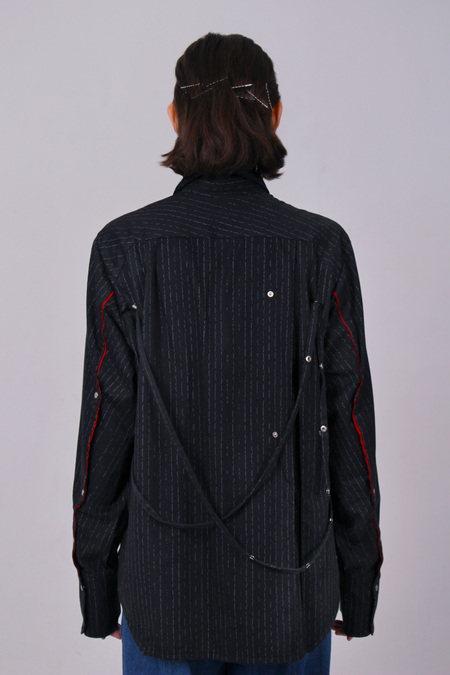
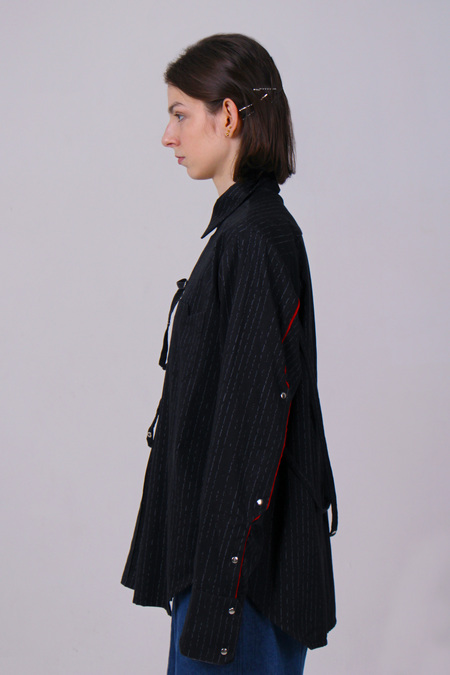
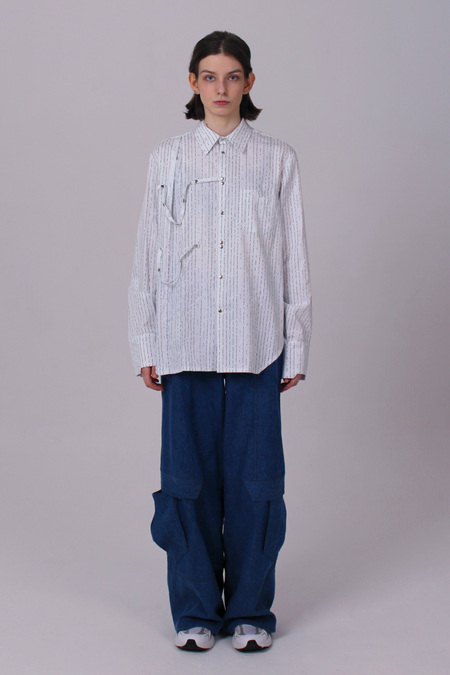
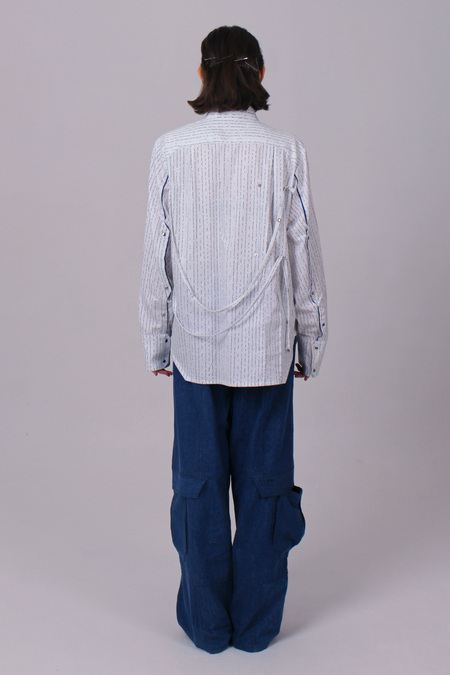
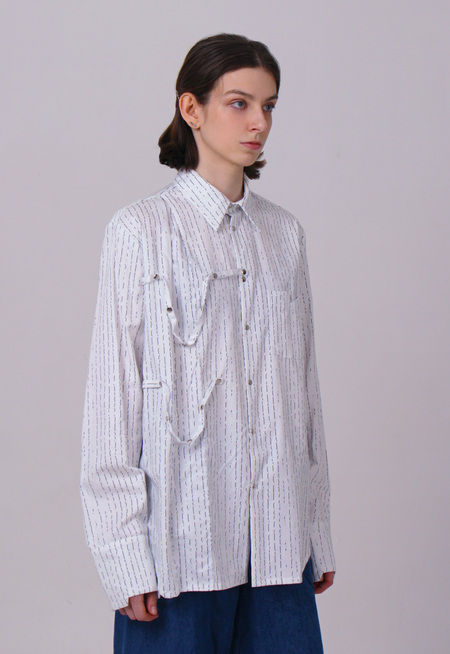
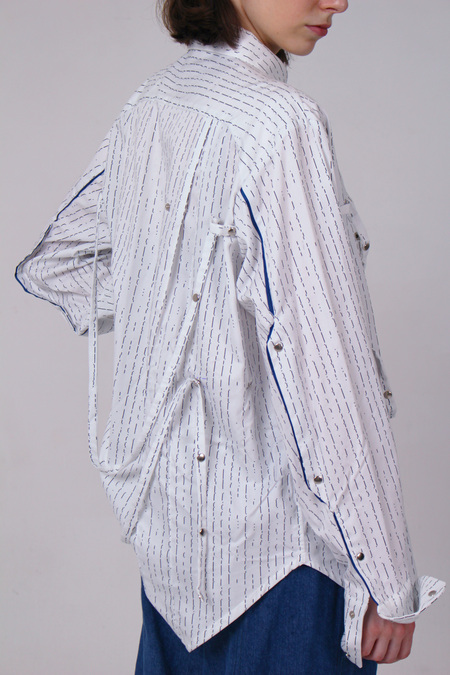
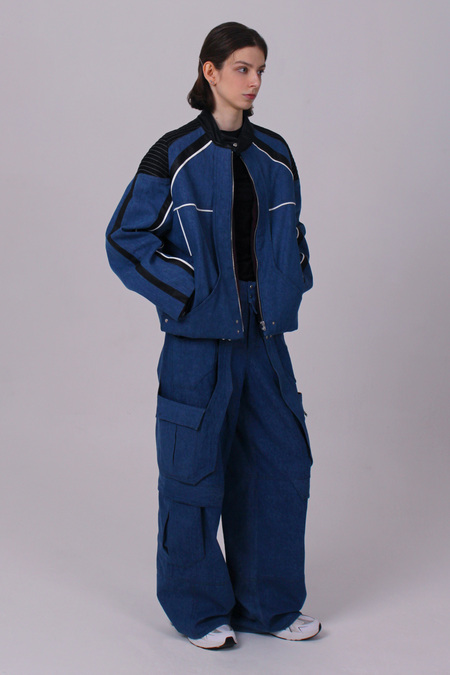
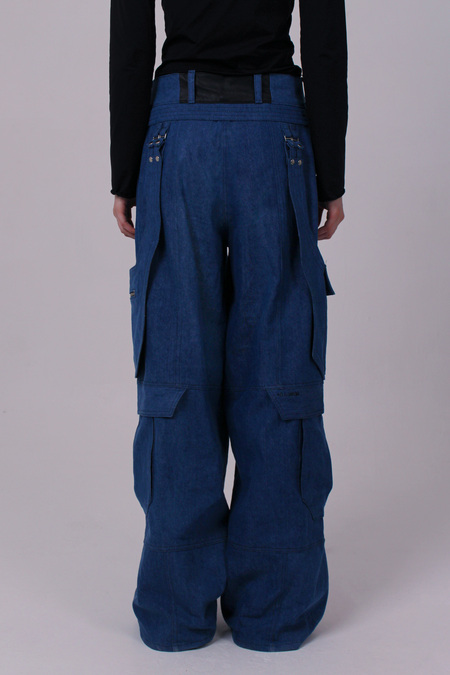
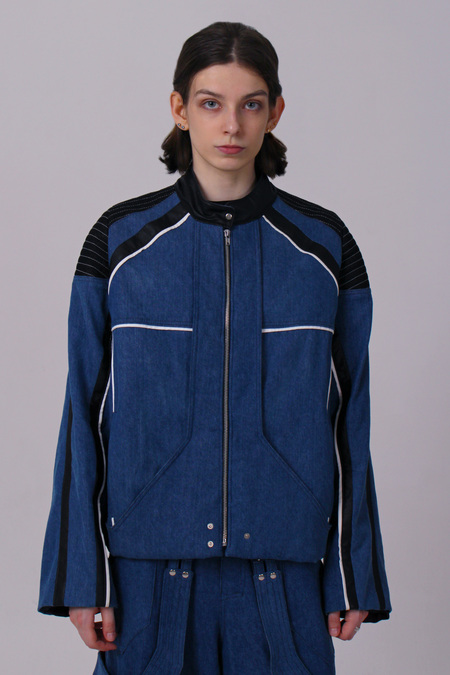
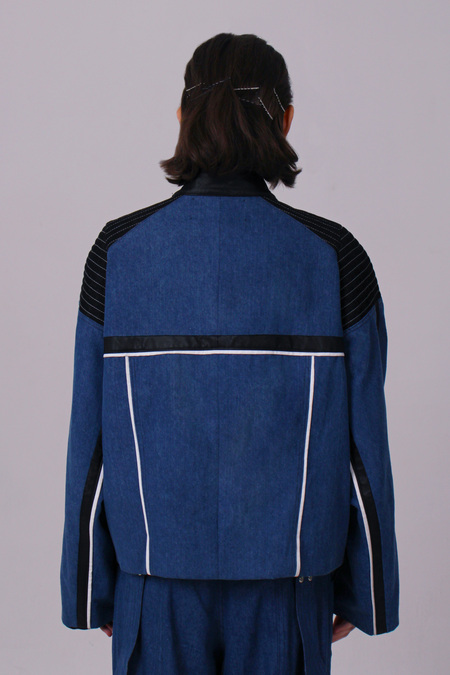
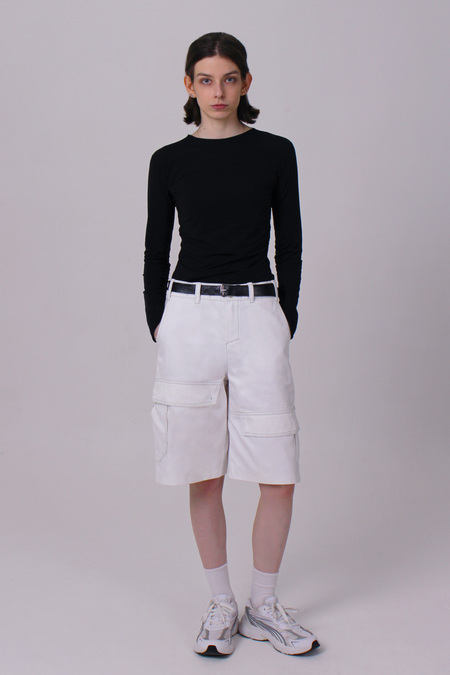
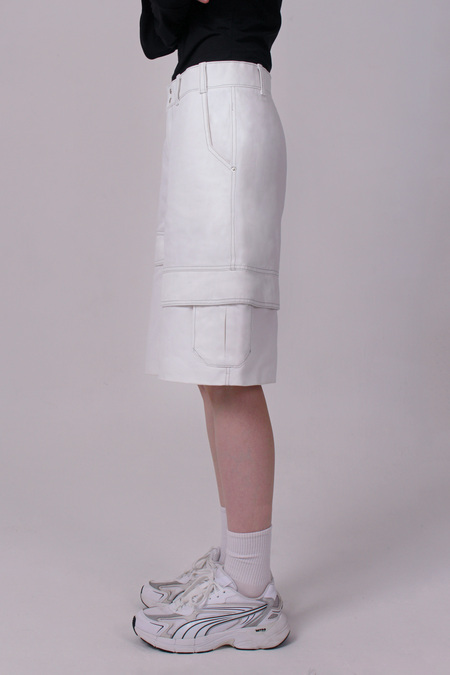
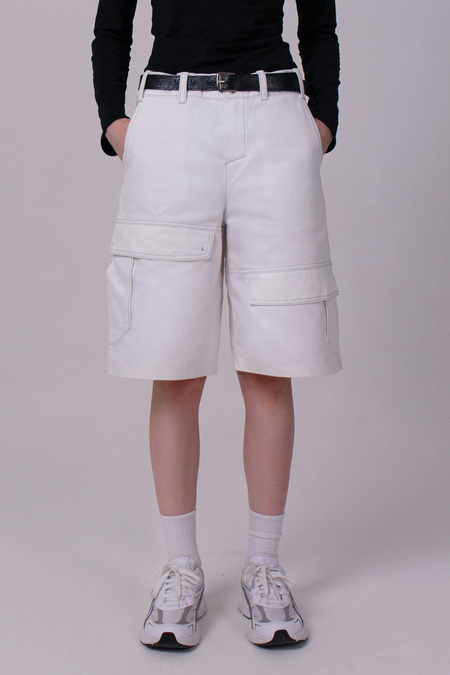
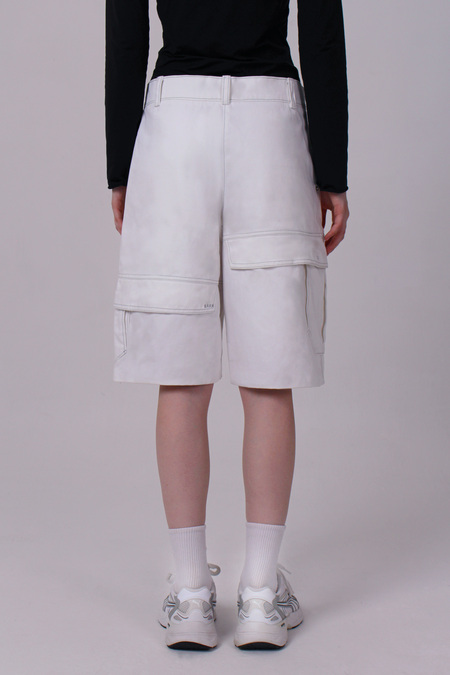
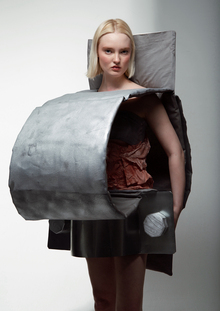
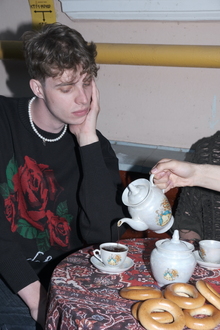
Алиса Лашкевич создала проект «UNBROKEN», рассказывающий о человеке, который становится несокрушимым после череды испытаний судьбы. Проект включает исследование, связанное с фигурами Лихтенберга, возникающими на теле после удара молнии.
Авторы создали концепцию для бренда «Антон Лисин» с акцентом на триединство в логотипе. Проект включает в себя описание стилистики бренда и участие в создании образа с фотографами и арт-директорами.
Ксения Кошелева создала проект «AVGVST // Культивируйте сердца», в котором сочетает тексты и визуальные образы для передачи эмоциональной идеи. Проект включает в себя тексты и фотографии, выполненные командой с участием арт-директора, фотографа и модели.
Илона Гимадиева создала текст для проекта «последнее лето детства». Проект включает съемку лукбука из 6 образов, передающих ностальгию по детству и летним каникулам.
Мы используем файлы cookies для улучшения работы сайта и большего удобства его использования. Более подробную информац...
Показать больше
Press space bar to start a drag.
When dragging you can use the arrow keys to move the item around and escape to cancel.
Some screen readers may require you to be in focus mode or to use your pass through key
Press space bar to start a drag.
When dragging you can use the arrow keys to move the item around and escape to cancel.
Some screen readers may require you to be in focus mode or to use your pass through key
Press space bar to start a drag.
When dragging you can use the arrow keys to move the item around and escape to cancel.
Some screen readers may require you to be in focus mode or to use your pass through key
Press space bar to start a drag.
When dragging you can use the arrow keys to move the item around and escape to cancel.
Some screen readers may require you to be in focus mode or to use your pass through key
Press space bar to start a drag.
When dragging you can use the arrow keys to move the item around and escape to cancel.
Some screen readers may require you to be in focus mode or to use your pass through key
Press space bar to start a drag.
When dragging you can use the arrow keys to move the item around and escape to cancel.
Some screen readers may require you to be in focus mode or to use your pass through key
Press space bar to start a drag.
When dragging you can use the arrow keys to move the item around and escape to cancel.
Some screen readers may require you to be in focus mode or to use your pass through key
Press space bar to start a drag.
When dragging you can use the arrow keys to move the item around and escape to cancel.
Some screen readers may require you to be in focus mode or to use your pass through key
Press space bar to start a drag.
When dragging you can use the arrow keys to move the item around and escape to cancel.
Some screen readers may require you to be in focus mode or to use your pass through key
Press space bar to start a drag.
When dragging you can use the arrow keys to move the item around and escape to cancel.
Some screen readers may require you to be in focus mode or to use your pass through key
Press space bar to start a drag.
When dragging you can use the arrow keys to move the item around and escape to cancel.
Some screen readers may require you to be in focus mode or to use your pass through key